How the gift works
We don’t sell gift cards yet. The gift is that you unlock the family group in skokk.
Why a group makes a good gift

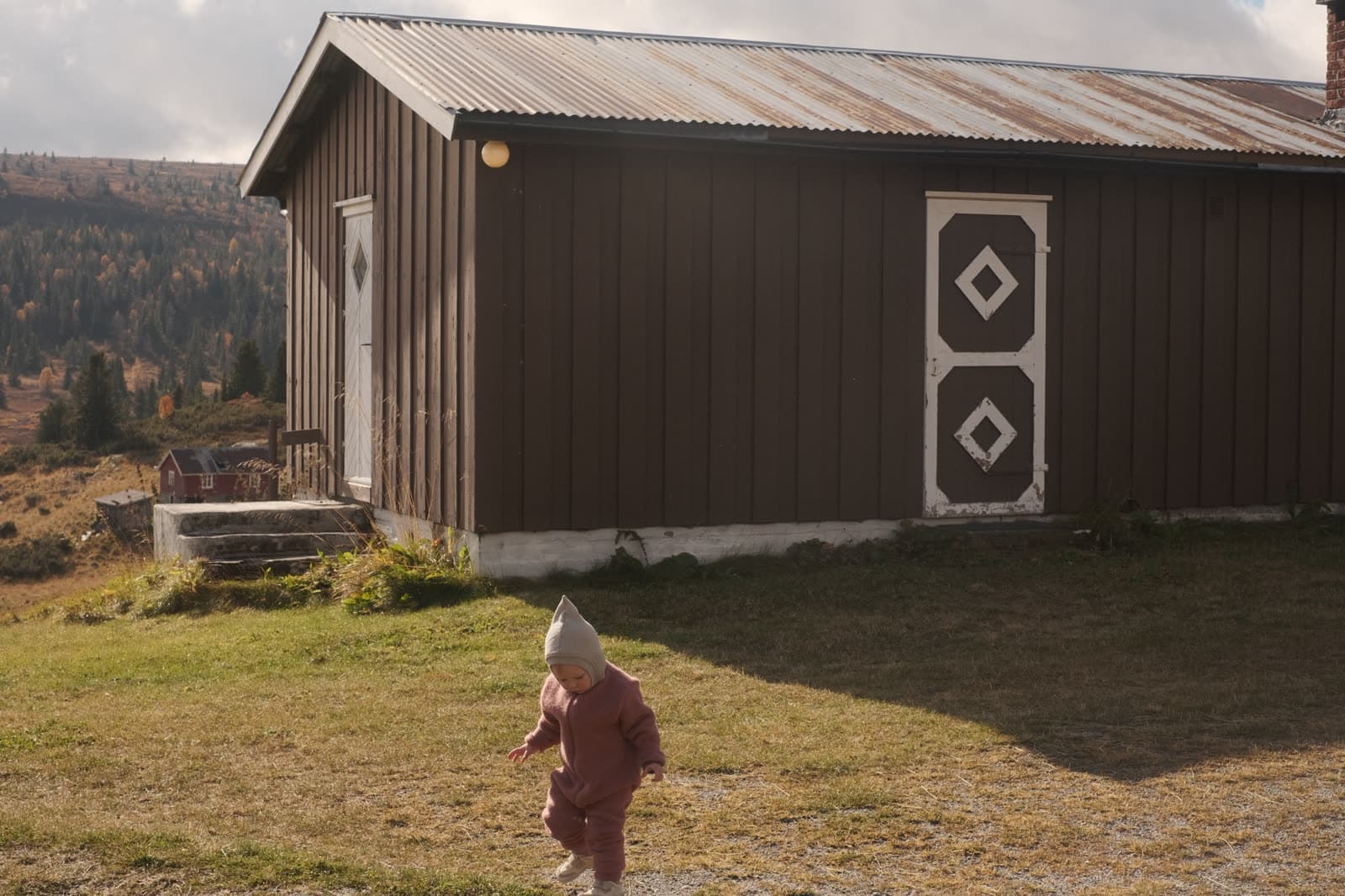
The whole family gets something out of a group in skokk, every week. The photo of your niece on the sled arrives on an ordinary Tuesday, and your cousin in Bergen and the grandparents in Hamar see it the same evening.
With skokk, the whole family posts photos to the same group. Once the group is unlocked, everyone can tap “Like” and write a comment, so you can see who likes the photo.
How to give skokk as a gift
- Get skokk on your phone.
- Make a group for the family, and unlock it in the app. Anyone in the group can unlock it, so you can do it yourself.
- Invite the rest of the family: brothers and sisters, parents, aunts, uncles, cousins and grandparents. The more people who join, the more photos everyone gets to see.
- Get the iPad ready before Christmas Eve, if someone in the family will follow along on an iPad (see below).
- Write a card for the gift, for example “Gift card: photos from the whole family, all year”.
Get the iPad ready before Christmas Eve
Nobody wants to set up an app in the middle of opening presents, so do it beforehand.
- Charge the iPad.
- Connect it to the wifi where it will be used, or bring the password.
- Get skokk, and tap the invite.
- Sign in with Vipps or Apple. The first time you sign in with Apple, you also enter the phone number and the code you get by text message, so keep the phone at hand.
- Go to Profile, and turn on Simple mode under Settings. The iPad then shows one photo at a time, with the buttons “Next photo” and “Like”.
- Post a few photos to the group, so there is something to see as soon as the gift is unwrapped.
Does someone need an iPad? Look for a used one
A used iPad is often fine. Look on Finn or in a shop that sells used tablets, and compare a few ads, as prices vary a lot.
Check the version
The iPad needs iPadOS 16 or later to use skokk. An Android tablet with Android 8.0 or later also works.
Would you rather have something that sits on a shelf and shows photos without anyone tapping? Then a digital photo frame is a better fit. Read more in the guide “iPad as a photo frame”.
What does it cost?
Sharing photos in skokk is free. Whoever gives the gift unlocks the group for NOK 200 a month, and then everyone in the group gets video, “Like” and comments. Nobody else pays anything.
You pay monthly through the App Store or Google Play, and you cancel in the store whenever you want.
If you and your brothers and sisters want to chip in together, one of you unlocks the group, and you split the bill.
What the family gets with the gift
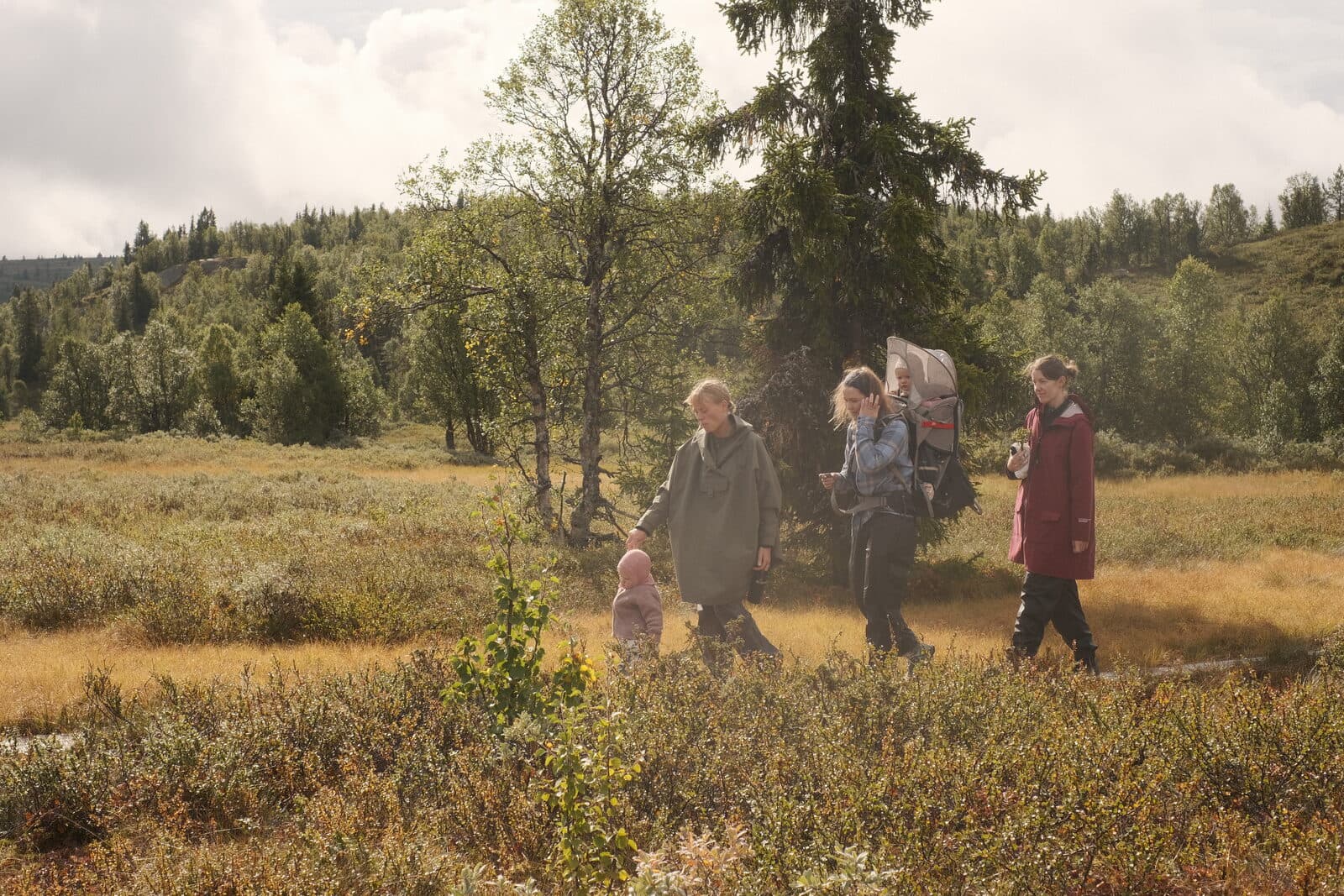
Everyone in the group gets new photos from each other, full size on phone and iPad. With the gift, you can also send videos of up to 30 seconds.
There are no ads in skokk, and no one sees the photos unless the family invited them.
See what simple mode looks likeAdd a small note
If an iPad comes with the gift, a note on paper is nice to have. Write it by hand, in big letters, and put it in the box.
Tap skokk.
Look at the photo.
Tap “Next photo” to see the next one.
Tap “Like” if you like the photo.
Tap a video to get sound.
Also write the name and phone number of the family member who can help, so they know who to call.
Before you send the first photo
Talk it over as a family before you share photos of the children. Who should see them, and is it OK for someone to show them to others? Ask the children themselves when they are old enough to answer.
Read how to share photos of children safely with family.
The app is coming soon to the App Store and Google Play.
Get skokk